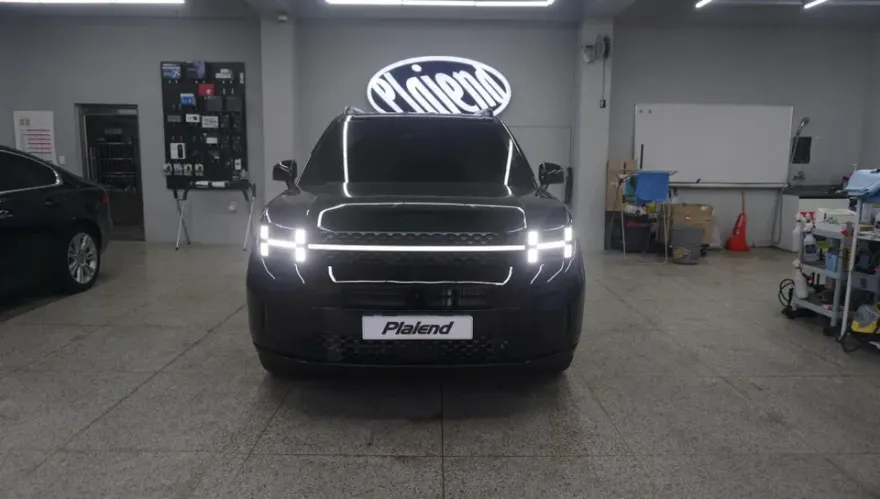
Hyundai Staria Android All-in-One Navi Installation Review
Service Price
$approx. $750–1,150
Estimated price · Actual price may vary by shop
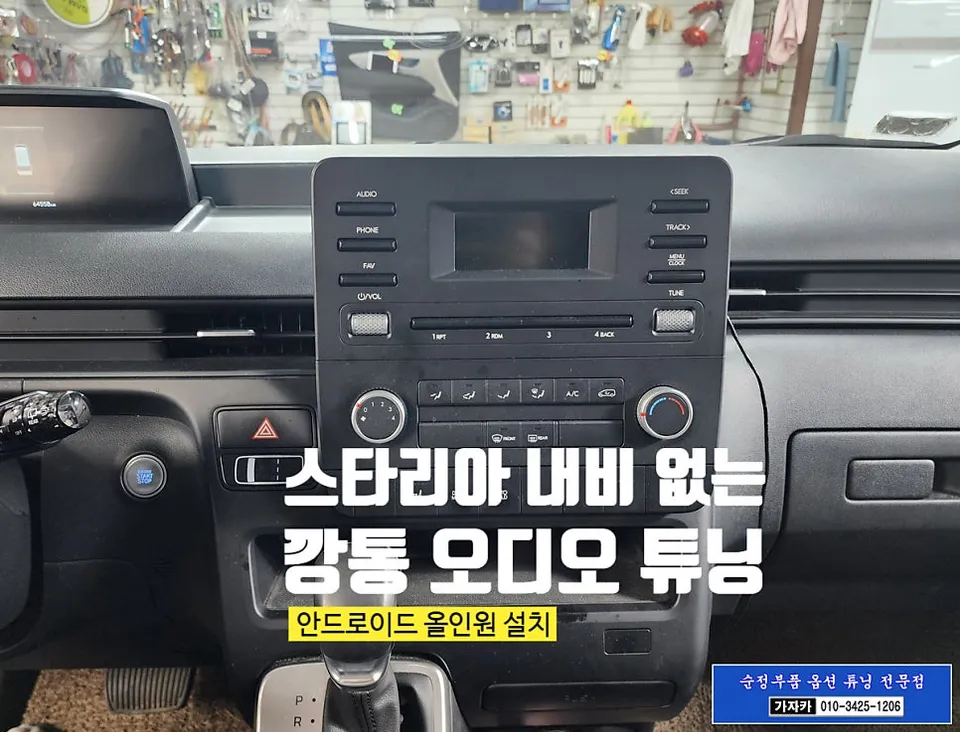
Before
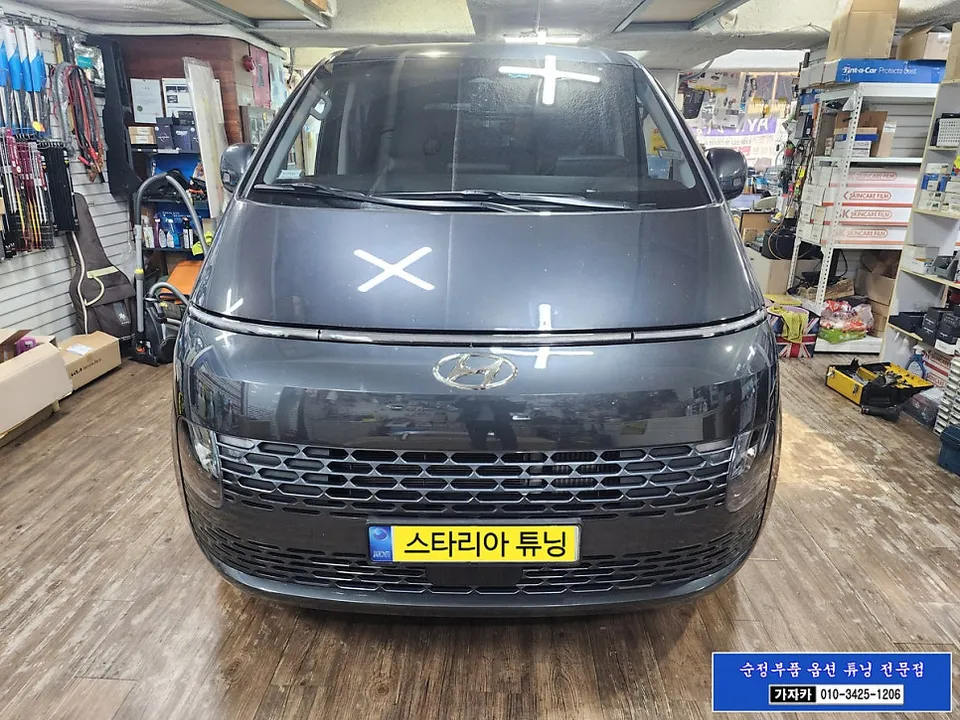
After
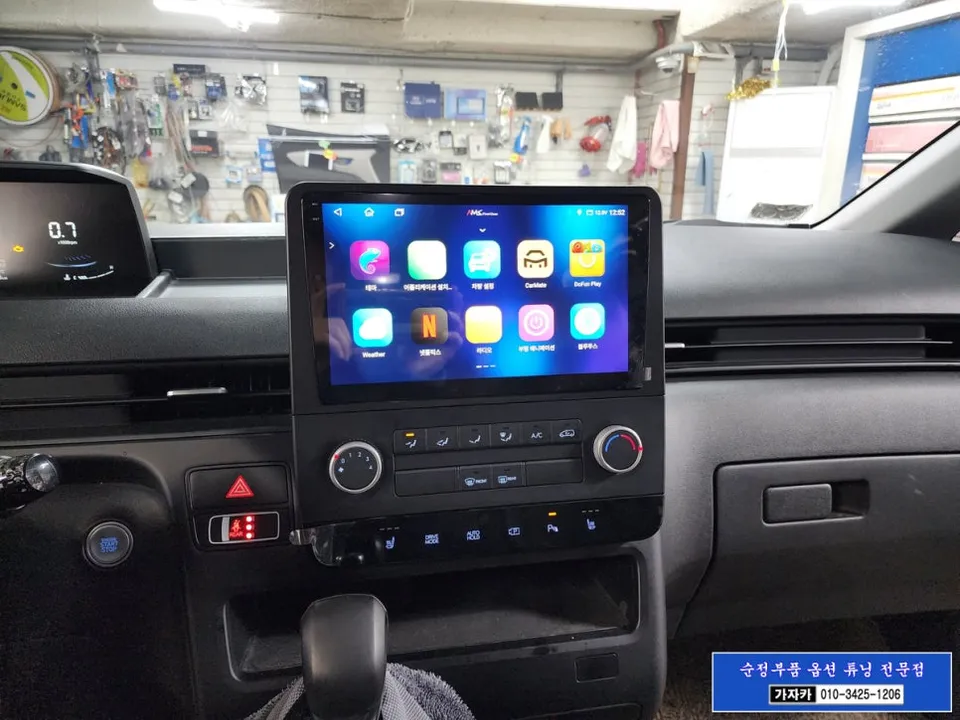
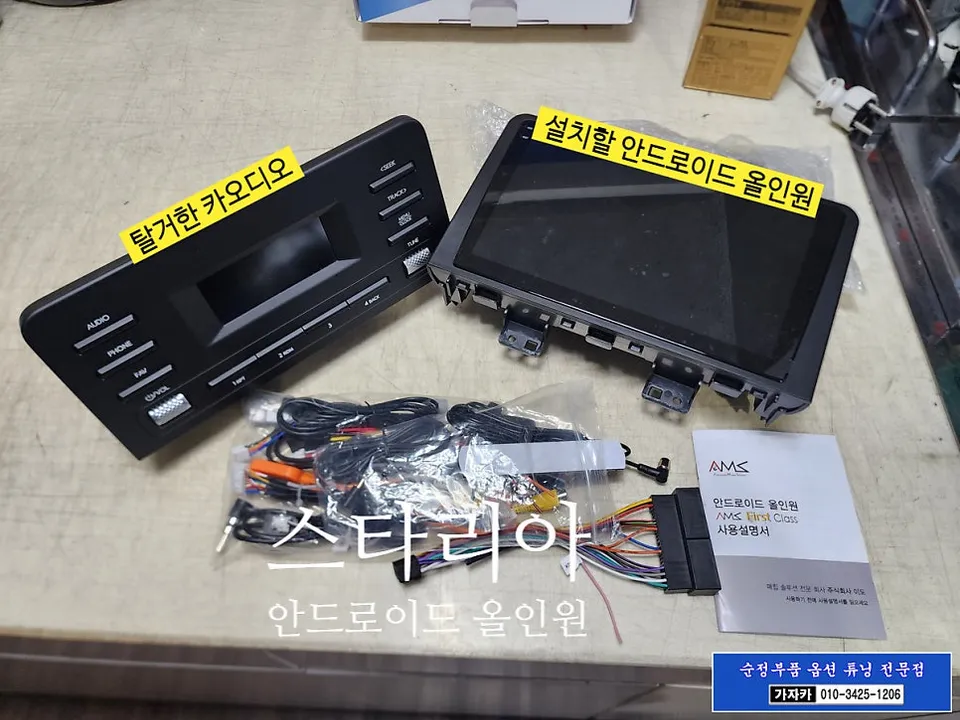
Process photos
Hyundai Staria Android All-in-One Navi upgrade with front/rear cameras and sensors. Enhances safety and infotainment.
Upgrade Your Hyundai Staria with an Android All-in-One Navigation System
Many Hyundai Staria owners find the factory audio system lacking in modern navigation and smart features. This review details the installation of a 10-inch Android All-in-One Navigation system, enhancing the Staria's infotainment capabilities. This upgrade transforms your vehicle's dashboard into a smart hub, offering seamless access to navigation apps like T Map with real-time traffic updates, streaming services, and various other Android applications. It's akin to installing a high-end smartphone directly into your car, significantly improving the driving experience and potentially increasing the vehicle's value.
Enhanced Safety with Front Sensors and Camera Integration
Beyond navigation, this upgrade focuses on safety. The installation includes adding a Parking Distance Warning (PDW) system with four front sensors, meticulously integrated into the front bumper. These sensors communicate with the vehicle via LIN communication, providing real-time distance alerts to obstacles during forward parking. They also activate when reversing, assisting with corner parking and maneuvering in tight spaces, thereby reducing the risk of collisions. The system displays distance information on the instrument cluster and provides audible alerts, offering both visual and auditory cues for safer driving. Furthermore, a front camera is integrated and linked to the Android All-in-One unit. This camera provides a clear view of the vehicle's front blind spots, crucial for navigating narrow alleys and parking situations, effectively preventing minor scrapes and accidents. Using genuine parts ensures a factory-like fit and finish, maintaining the Staria's aesthetic while enabling full functionality even on models without these options from the factory.
Installation Process and Final Checks
- Remove the factory audio unit.
- Install the new 10-inch Android All-in-One Navigation system, connecting all necessary wiring harnesses.
- Integrate the four front parking sensors into the front bumper and connect them to the vehicle's LIN communication system.
- Install and connect the front-view camera to the Android unit.
- Verify the integration of the navigation system, front sensors (display on cluster and audible alerts), and front camera feed on the new head unit.
Upon completion, the system was tested, showing the T Map navigation app on the large 10-inch display with real-time traffic data. The front sensor alerts were confirmed to be functioning correctly on the instrument cluster, accompanied by audible warnings. The front camera provided a clear view, significantly improving visibility for parking and low-speed maneuvers.
Frequently Asked Questions
Q. What is the typical cost for installing an Android All-in-One Navigation system in a Hyundai Staria?
The installation for this Hyundai Staria Android All-in-One Navigation system was performed in South Korea, with pricing typically in Korean Won. In the US, similar comprehensive upgrades can range from $800 to $2000 depending on the system and features.
Q. How long does the Android All-in-One Navigation installation take for a Hyundai Staria?
The installation process for the Android All-in-One Navigation system, including the front sensors and camera, typically takes a full day to complete. Proper integration ensures long-term reliability and optimal performance of all new components.
Q. Is upgrading to an Android All-in-One Navigation system worth it for a Hyundai Staria?
This upgrade is highly beneficial for Staria owners seeking modern navigation, entertainment, and advanced safety features. It significantly enhances the vehicle's functionality and user experience, making it a worthwhile investment for many.
Q. How is the Android All-in-One Navigation system installed in a Hyundai Staria?
1. The original head unit is carefully removed. 2. The new 10-inch Android All-in-One unit is fitted and wired. 3. Front parking sensors are precisely installed on the bumper and integrated via LIN communication. 4. A front camera is mounted and connected to the Android unit for display.
Q. What's the difference between an Android All-in-One unit and using a smartphone mount?
An Android All-in-One unit offers seamless integration with the vehicle's systems, a larger dedicated screen, and often better performance than a smartphone mounted on the dash. While a smartphone mount is a simpler, cheaper solution, the All-in-One provides a more permanent and feature-rich experience.
OhCar Partner Shop