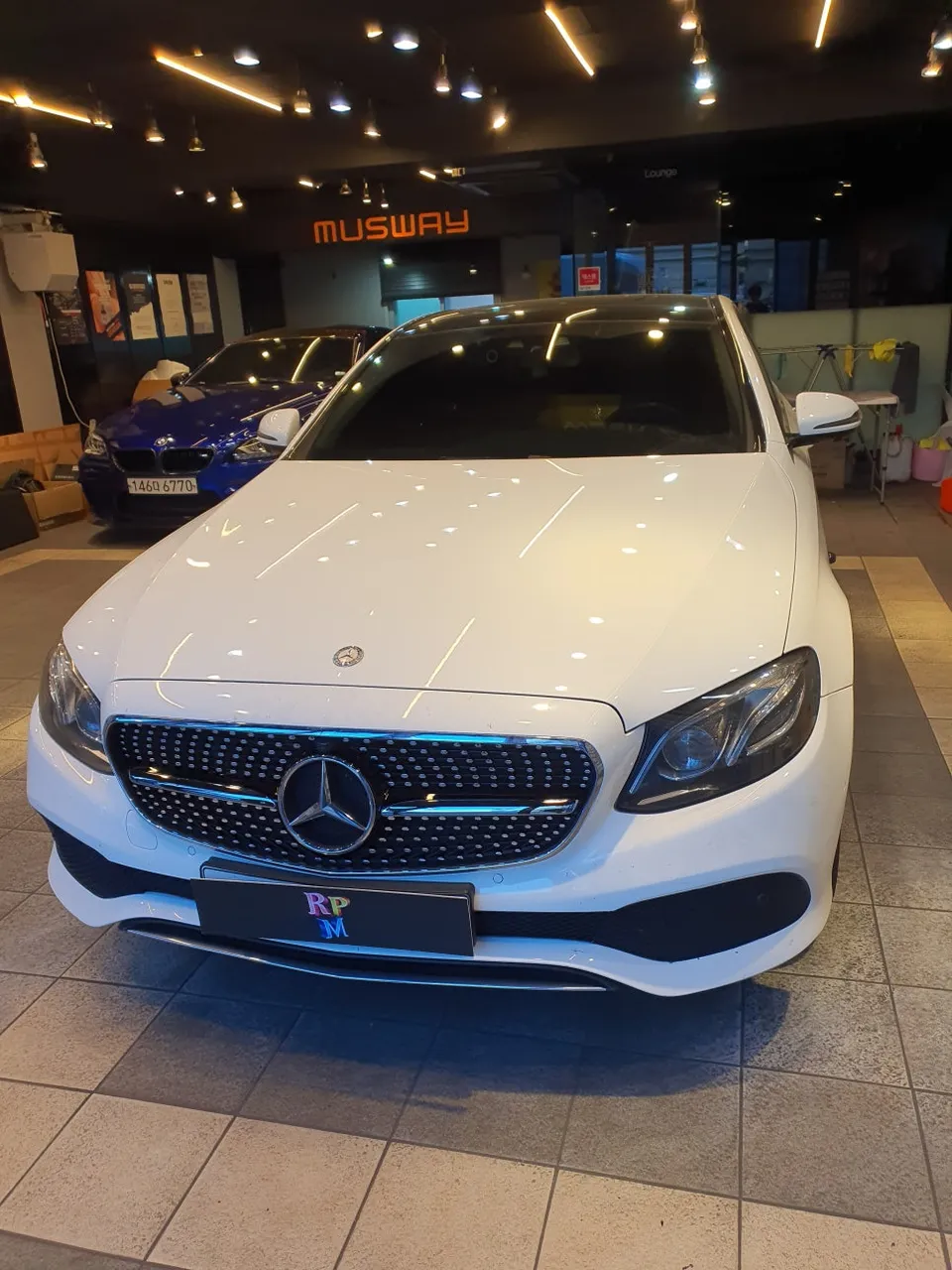
Mercedes-Benz C200 Android Head Unit Upgrade Review
Service Price
$approx. $1,500+
Estimated price · Actual price may vary by shop
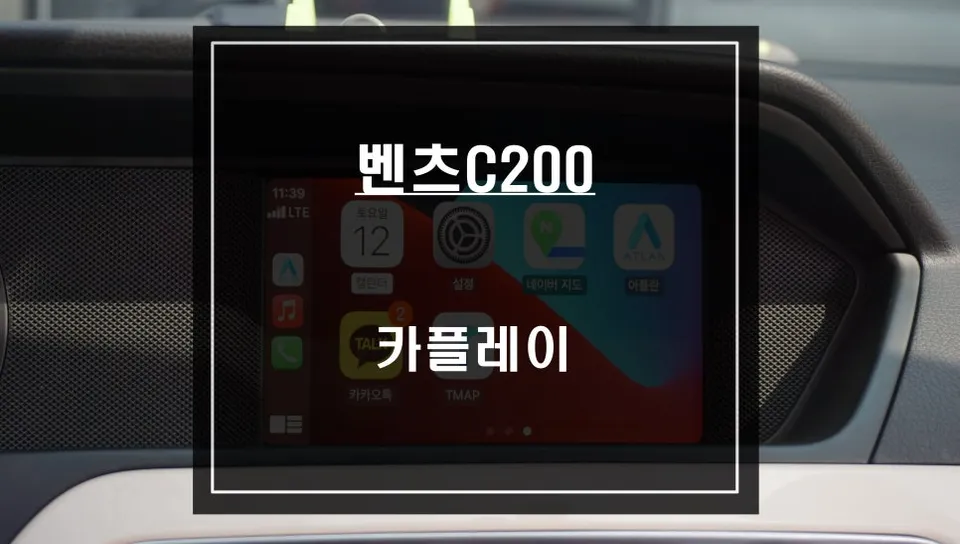
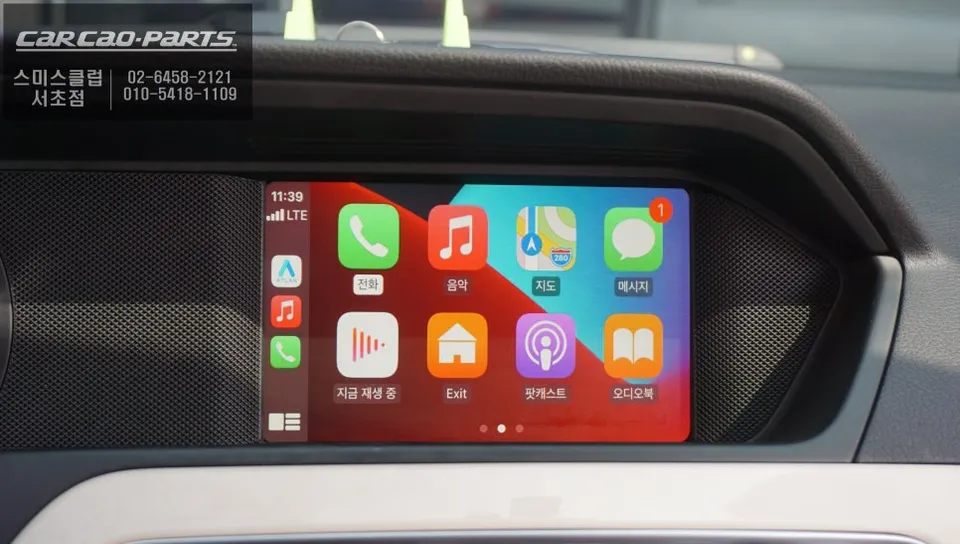
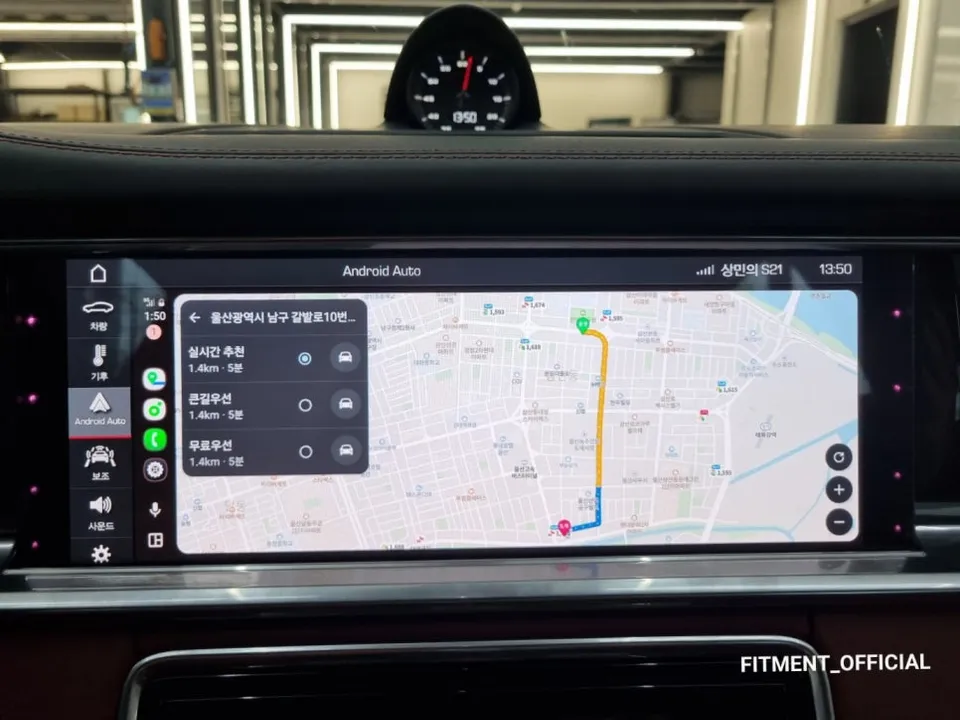
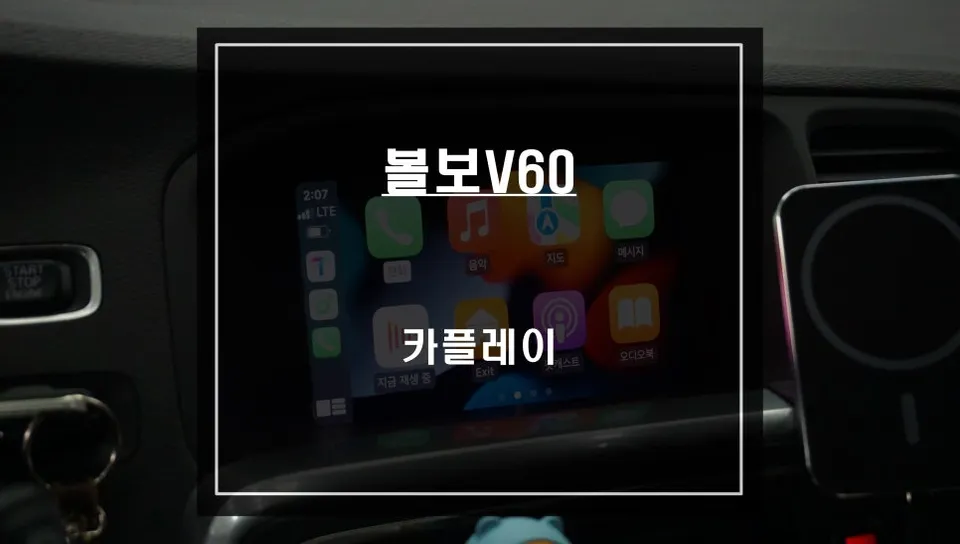
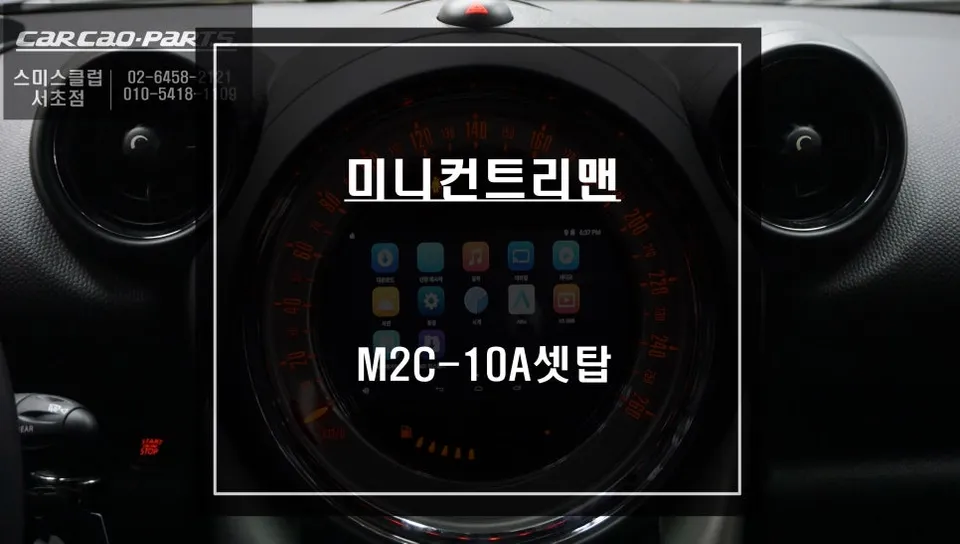
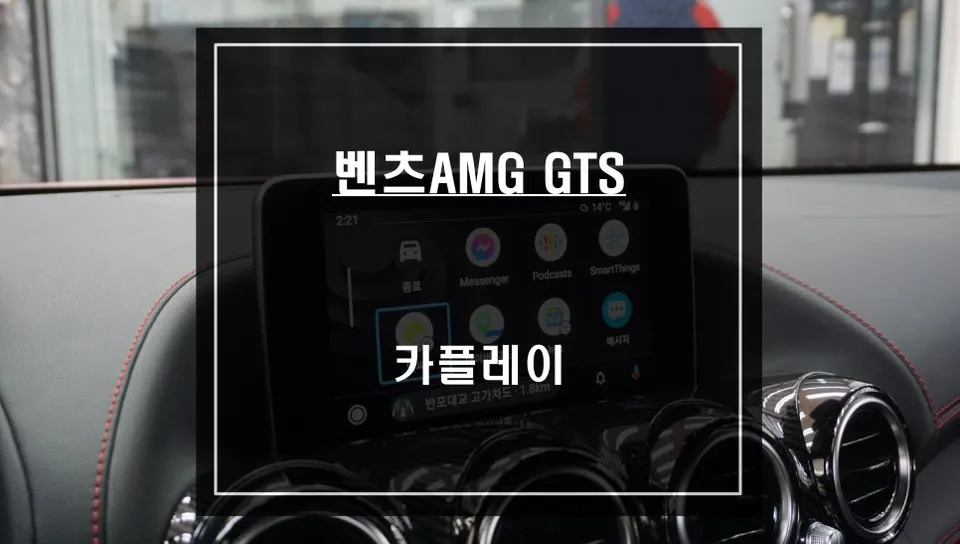
Mercedes-Benz C200 Android Head Unit upgrade: Seamless smartphone navigation integration. Enjoy TMAP/KakaoNavi on your car's display.
Bridging the Gap: Why Your Mercedes-Benz C200 Needs an Android Head Unit
Older Mercedes-Benz models, like the 2013 C200, often leave drivers wanting more from their infotainment systems. The factory navigation, typically based on German maps, lacks the detail and real-time traffic information crucial for navigating Korean roads effectively. This leads to a common frustration: the desire to use familiar smartphone navigation apps like TMAP or KakaoNavi directly on the car's screen. This review details how an Apple CarPlay/Android Auto module installation solves this exact problem, bringing modern smartphone integration to your classic C200.
Apple CarPlay vs. Factory Navigation: The Clear Choice
The primary motivation for upgrading older Mercedes models is the inadequacy of the stock navigation. It's often difficult to interpret, slow to respond, and fails to keep pace with the dynamic road networks in Korea. In contrast, smartphone-based apps like TMAP and KakaoNavi offer real-time updates and an intuitive user interface that most drivers are already comfortable with. The biggest advantage of Apple CarPlay and Android Auto is leveraging your existing smartphone. There's no need to purchase a separate navigation unit, and you can use your preferred apps (TMAP, KakaoNavi, Naver Maps, etc.) directly on your car's monitor. Voice command support further enhances safety, allowing you to set destinations without taking your hands off the wheel.
It's important to note potential limitations. Older systems, such as the one in the 2013 C200, might have a less responsive touchscreen or rely solely on the steering column stalk (jog dial) for control. In this installation, the system was optimized for voice commands and jog dial operation, ensuring a smooth user experience. While a lack of touchscreen functionality might seem like a drawback, voice control and physical buttons offer a safer alternative for operation while driving.
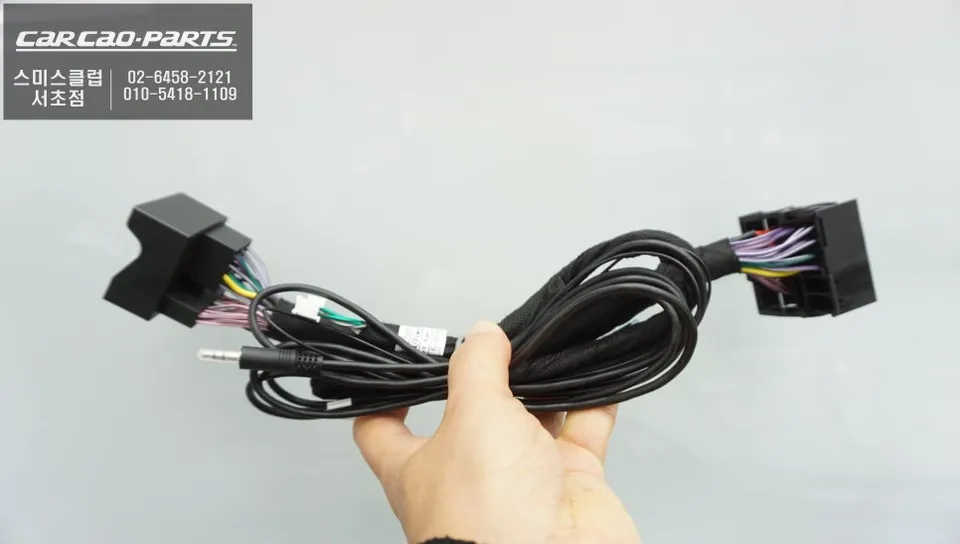
Seamless Integration: 2013 Mercedes-Benz C200 Android Head Unit Installation
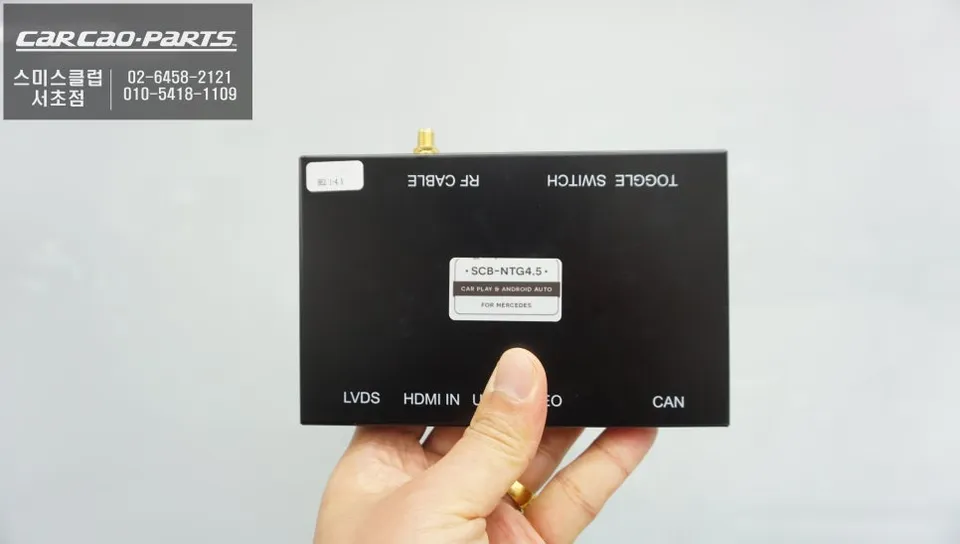
The core principle of this upgrade is preserving the vehicle's original wiring. Professional installers utilize a 'plug-and-play' interface module that connects directly to the factory connectors without cutting or splicing wires. This ensures the integrity of the original system and allows for easy reversal if needed. The integrated module supports both Apple CarPlay and Android Auto, catering to both iOS and Android users. The module itself is discreetly hidden behind the dashboard or in the glove compartment, maintaining the car's interior aesthetics.
Installation Process:
- Disconnect the vehicle battery for safety.
- Carefully remove trim pieces to access the factory head unit connectors.
- Connect the plug-and-play interface module between the factory harness and the head unit.
- Route and connect any necessary cables for the module (e.g., USB, microphone).
- Reassemble trim pieces and reconnect the battery.
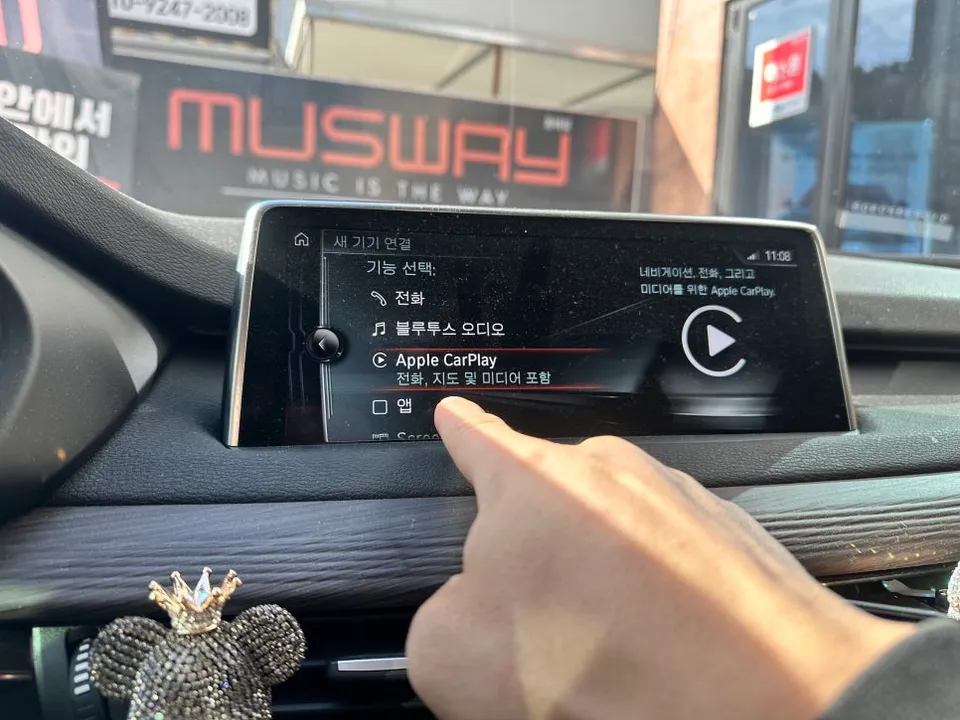
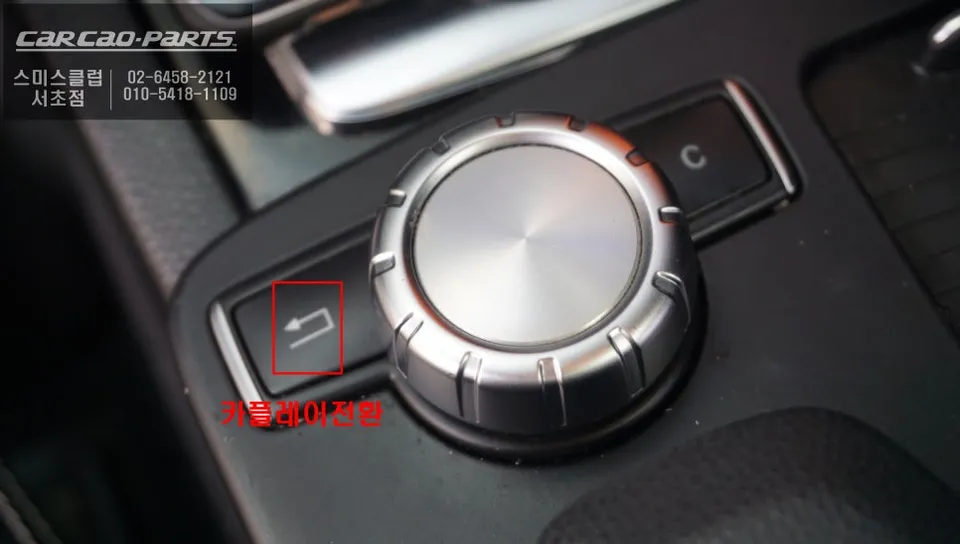
Operating the system is straightforward. A long press of the 'Return' button on the factory unit typically switches the display to the CarPlay/Android Auto interface. Connecting your smartphone via USB or Bluetooth then brings up your familiar app interface on the car's screen. All controls can be managed using the jog dial and the steering wheel's voice command button. Crucially, the original navigation system remains fully functional. You can switch back to the factory system at any time with a simple button press, offering the best of both worlds. Since the original vehicle lacked an AUX port, one was activated during the installation. This ensures that CarPlay/Android Auto audio, including voice commands and navigation prompts, is played through the car's original speakers. Streaming music from apps like Melon or YouTube Music also benefits from this enhanced audio output.
Enhanced Parking Assistance: Rear Camera Installation
Alongside the head unit upgrade, a rear-view camera was also installed. This camera provides clear visuals in both day and night conditions and is discreetly mounted on the vehicle's garnish, offering a clean, factory-integrated look. This addition significantly improves parking safety and convenience.
Frequently Asked Questions
Q. How much does an Android Head Unit upgrade cost for a Mercedes-Benz C200?
The cost for this Android Head Unit upgrade on a 2013 Mercedes-Benz C200, including installation and a rear camera, was approximately 700,000 Korean Won. In the US, similar CarPlay/Android Auto integration modules typically range from $300 to $800, depending on the vehicle and features.
Q. How long does the Android Head Unit installation take for a Mercedes-Benz C200?
The installation process for the Android Head Unit module and rear camera typically takes 2-4 hours to complete. Proper installation ensures long-term reliability, and it's recommended to have the system checked annually for optimal performance.
Q. Is an Android Head Unit upgrade worth it for a Mercedes-Benz C200?
This upgrade is highly beneficial for owners of older Mercedes-Benz C200 models who find the factory navigation system outdated and lacking. It offers a significant improvement in usability and access to modern navigation and entertainment apps, providing excellent value by leveraging your existing smartphone.
Q. How is the Android Head Unit installed in a Mercedes-Benz C200?
The installation involves a plug-and-play interface module that connects to the factory wiring harness without cutting wires. 1. Access and disconnect the factory head unit. 2. Connect the interface module between the car's harness and the head unit. 3. Hide the module and route necessary cables. 4. Reassemble the interior trim and test the system.
Q. What is the difference between an Android Head Unit and the factory navigation for a Mercedes-Benz C200?
The key difference is functionality: the factory navigation is limited and outdated, while the Android Head Unit allows seamless integration of smartphone apps like TMAP and KakaoNavi with real-time updates and familiar interfaces. The upgrade provides a modern, user-friendly experience superior to the original system.
Kakao Parts